

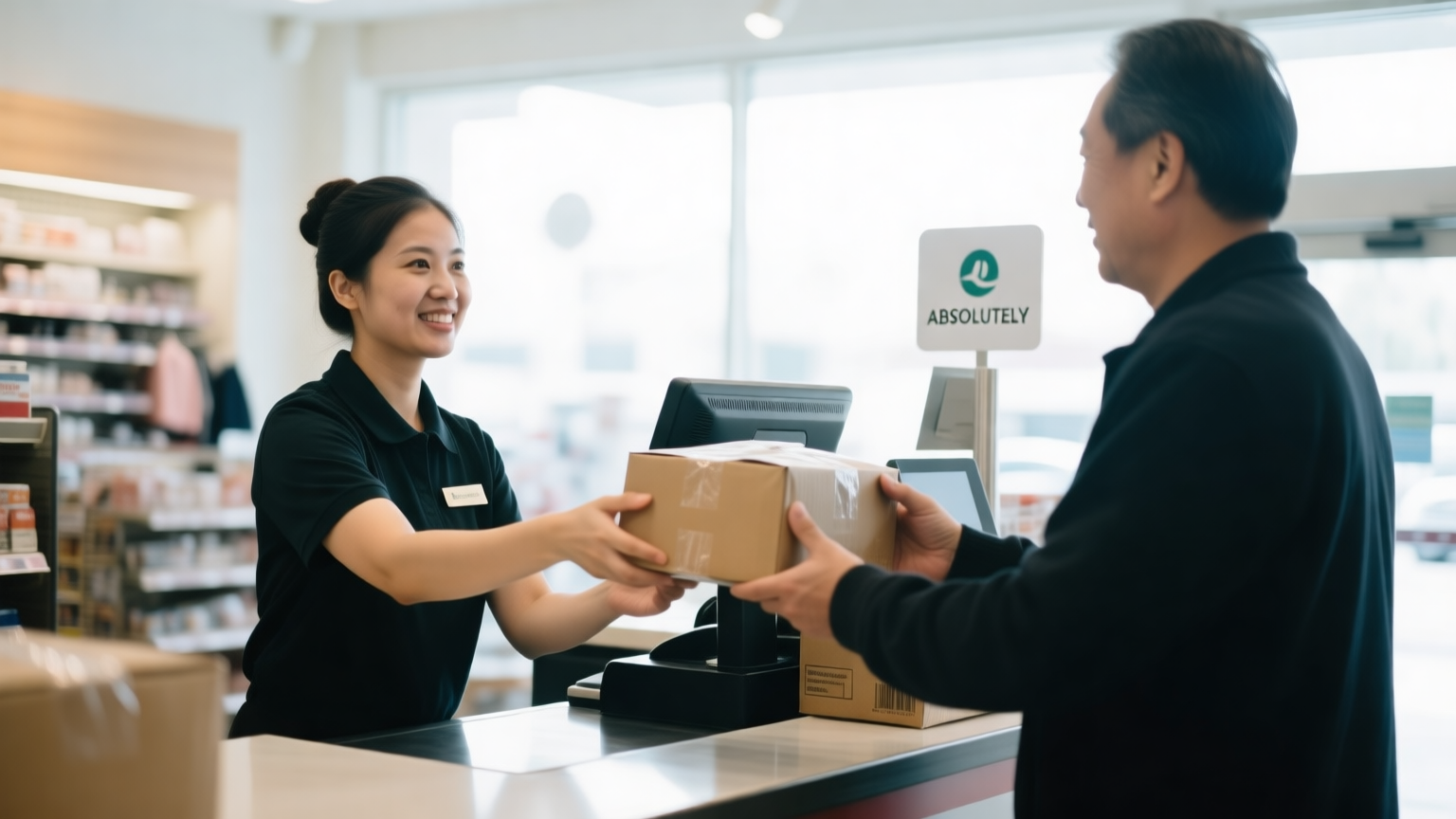
Buy online pickup in store, or BOPIS, lets a shopper order online and collect it at a physical location. On Adobe Commerce it is built from two native pieces: Multi-Source Inventory to track store-level stock, and an in-store pickup delivery method that lets the buyer choose a source as the collection point. On Hyva, the store selector must load without breaking Core Web Vitals.
What BOPIS is and why US merchants keep asking for it
BOPIS is the fulfillment option where a customer buys online and picks the order up at a store, locker, or branch instead of having it shipped. For any merchant with physical locations, it is one of the highest-impact omnichannel features available, because it does three things at once: it removes shipping cost and delay for the customer, it pulls foot traffic into stores where shoppers buy more, and it turns store stock into online sales inventory instead of leaving it idle.
Demand for it has become a baseline expectation in US retail rather than a differentiator. Shoppers who can pick up today rather than wait for delivery frequently will, especially for considered purchases, replacement parts, and anything needed the same day. That is why BOPIS comes up constantly in Adobe Commerce and Magento projects for merchants that run stores alongside their online channel.
The good news for Magento merchants is that the foundation ships with the platform. You do not need a distributed order management system to offer basic BOPIS, though larger operations eventually grow into one. You need store-level inventory and a pickup delivery method, both of which Adobe Commerce provides natively.
The two moving parts: store inventory and a pickup delivery method
Every BOPIS implementation rests on two capabilities working together. Understanding them separately keeps a project from conflating a stock problem with a checkout problem.
The first is store-level inventory. To let a shopper pick up at a specific store, the system has to know what that store has on hand, separately from the warehouse and every other store. Adobe Commerce handles this with Multi-Source Inventory, the model that lets each physical location exist as its own inventory source with its own quantities. Adobe’s Inventory Management documentation covers how sources track on-hand and salable quantities across locations.
The second is a pickup delivery method. At checkout, the buyer needs a way to say “I will collect this at the Brooklyn store” instead of entering a shipping address. Adobe Commerce provides an in-store delivery method for exactly this. When a source is flagged as a pickup location, the in-store delivery method lets the customer select that source as the pickup point during checkout. The order is then routed to the store rather than to a shipping carrier.
Put simply, MSI answers “what does each store have,” and the pickup delivery method answers “where does the customer want to collect it.” BOPIS is those two answers joined at checkout.
How BOPIS works on Adobe Commerce, step by step
Following an order through the flow shows where the platform does the work and where a store associate does.
- The shopper sees store availability. On the product page or in a store selector, the buyer sees which nearby stores have the item in stock. This reads from the salable quantity of each store source, so it reflects real on-hand stock minus open reservations.
- The buyer picks a store and checks out. The shopper selects a pickup location and chooses in-store pickup as the delivery method instead of shipping. No shipping address or carrier is required for the pickup portion.
- The order reserves stock at that store. When the order is placed, Adobe Commerce writes a reservation against the chosen store source, which lowers that store’s salable quantity so the same unit is not sold twice. The physical on-hand count does not change until the order is fulfilled. The reservation mechanism is the same one that prevents oversells everywhere in Magento, and it is worth understanding in detail, which we cover in Adobe Commerce inventory reservations explained.
- The store is notified and picks the order. The store receives the order, a staff member locates and sets aside the items, and marks the order ready. Native Adobe Commerce handles this through standard order and shipment states, while heavier operations use a dedicated picking application.
- The customer is told it is ready. An email or SMS tells the shopper the order is waiting. Getting this notification fast and clear is one of the biggest drivers of a good BOPIS experience.
- The customer collects and the order closes. The shopper arrives, staff hand over the order, and it is marked collected. Stock is decremented at the store source, closing the loop.
Native Magento covers this sequence for a straightforward operation. The moment you add many stores, associate pick workflows, curbside handoff, and same-day promising at scale, you move toward a distributed order management layer, which we walk through in Adobe Commerce order management on Hyva for multi-channel fulfillment.
Configuring a store as a pickup location
The native setup is more approachable than teams expect, and knowing the shape of it helps scope a build.
Each physical store is created as an inventory source in the Admin, with its address and its own on-hand quantities per product. You then set that source to act as a pickup location, which is what exposes it to the in-store delivery method at checkout. Adobe’s configuration flags a source with a “use as pickup location” setting, and the in-store pickup delivery method has to be enabled under the delivery method configuration.
Stock assignment is the part that needs planning. A store’s selling-floor stock is not automatically available to online BOPIS unless you model it that way, and many merchants deliberately separate a store’s online-promisable stock from its walk-in stock so a BOPIS order never leaves the shelf empty for an in-store shopper. How you map sources to stocks, and which stock each website draws from, is a design decision that shapes the whole operation. We go deep on getting that stock to display correctly in Multi-Source Inventory on a Hyva storefront.
For larger US retailers, Adobe also offers an advanced Store Fulfillment solution built with Walmart Commerce Technologies, which adds a dedicated associate app for picking, staging, and handing off BOPIS and curbside orders on mobile devices. The choice between native pickup, Store Fulfillment, and a third-party extension comes down to store count and workflow complexity.
| Capability | Native MSI + in-store pickup | Adobe Store Fulfillment | Third-party extension |
|---|---|---|---|
| Store-level stock | Yes, per source | Yes, per source | Yes, per source |
| Pickup at checkout | Yes | Yes | Yes |
| Associate picking app | No, Admin only | Yes, mobile app | Varies |
| Curbside handoff | Manual | Yes | Sometimes |
| Same-day at scale | Limited | Yes | Varies |
| Best fit | Few stores, simple pickup | Many stores, high volume | Specific gaps and budgets |
The Hyva angle: rendering a store selector without wrecking Core Web Vitals
BOPIS adds interactive elements to the storefront, a store selector, availability lookups, and a pickup choice at checkout, and this is exactly where a poorly built feature can undo the speed a Hyva theme was supposed to deliver. The store selector is the risk point, because a naive implementation loads a heavy map widget and a full store list on every product page, adding render-blocking JavaScript that damages Largest Contentful Paint and Interaction to Next Paint.
The Hyva approach keeps it light. The store selector is built with inline Alpine.js rather than a bundled framework, and store availability is fetched on demand, when the shopper actually opens the selector or searches by ZIP, not preloaded into the cached page. Because full page cache serves the product page without touching PHP, the store-specific availability has to arrive as a small asynchronous call after the page renders, the same discipline that keeps any personalized data off the critical path on Hyva. Done this way, the availability check loads quickly and the pickup UI never blocks the initial render.
That separation, cache the page and layer the store data on top, is the core pattern, and it is why a store selector belongs in a Hyva-native build rather than a ported Luma widget. It is also portable: the same on-demand pattern keeps store pickup fast on the other platforms we build, including Shopify and Shopify Plus, BigCommerce, and Shopware.
Ship-from-store and the shared inventory problem
BOPIS rarely arrives alone. The same store-level inventory that powers pickup also enables ship-from-store, where a store fulfills an online order for delivery, turning every location into a mini distribution center. Both features draw on the same MSI foundation, and both surface the same hard question: how much of a store’s stock do you promise online.
Promise too much and a BOPIS or ship-from-store order collides with a walk-in customer buying the last unit. Promise too little and you leave online sales on the table. The reservation system protects against the double-sell within Magento, but it cannot see a cash-register sale that never touched the platform, which is why merchants with busy stores connect a point-of-sale system so in-store sales decrement the same inventory. That POS-to-commerce link is an integration project in its own right, and it draws on the connector and middleware work behind our technology partner relationships.
Operational realities: staffing, notifications, and returns
A BOPIS build succeeds or fails on operations as much as code, and three realities deserve attention before launch.
Staffing and pick speed. Someone in the store has to pick the order, stage it, and hand it over. If pick time lags, the “ready for pickup” promise breaks and customers show up to nothing. High-volume stores justify a dedicated picking app for this reason, while a few orders a day can run through the Admin.
Notifications. The gap between order placed and order ready is where BOPIS trust is won. A fast, clear ready-for-pickup message, ideally SMS, is not a nice-to-have, it is the feature. A slow or missing notification produces confused customers and support tickets.
Returns and pickup windows. Decide what happens when a customer never collects. A pickup window with automatic restock after a set period keeps reserved stock from being stranded, and a clear in-store return path closes the omnichannel loop. These policies are configuration and process, not just code, and they are the kind of detail we scope as an extension of the merchant’s team, which is how we describe our engagement on our about page.
BOPIS is one of the clearest cases where commerce, inventory, and store operations meet, and building it well means treating all three as one system. If you run stores alongside a Magento or Adobe Commerce site and want pickup done without slowing the storefront, that is a scoping conversation worth starting with Bemeir.
FAQ
Does Adobe Commerce support BOPIS natively?
Yes. Adobe Commerce supports buy online pickup in store natively through two features working together: Multi-Source Inventory, which tracks stock at each store as its own source, and an in-store pickup delivery method that lets the buyer choose a store as the collection point at checkout. Larger operations add Adobe’s Store Fulfillment solution or a third-party extension for associate picking apps and curbside handoff, but basic BOPIS needs no external system.
How does Magento know what stock a specific store has?
Through Multi-Source Inventory. Each store is created as an inventory source with its own on-hand quantities per product. The storefront shows a store’s salable quantity, which is on-hand stock minus open reservations, so availability reflects real stock. When a BOPIS order is placed, Magento reserves against the chosen store source so the same unit is not sold twice before the store fulfills it.
Will a store selector slow down my Hyva storefront?
Only if it is built poorly. On Hyva, the store selector should use inline Alpine.js and fetch availability on demand when the shopper opens it, not preload a heavy map and full store list into every product page. Because full page cache serves the product page without PHP, store availability arrives as a small asynchronous call after render, so the pickup UI never blocks Largest Contentful Paint or Interaction to Next Paint.
What is the difference between BOPIS and ship-from-store?
Both use the same store-level inventory in Multi-Source Inventory, but the fulfillment differs. BOPIS has the customer collect the order at a store they chose at checkout. Ship-from-store has a store pick and ship an online order for home delivery, using the store as a fulfillment node. Many merchants enable both, which raises the question of how much store stock to promise online without stranding walk-in shoppers.
Do I need a separate OMS for BOPIS?
Not for a simple operation. Native Adobe Commerce covers store-level inventory, pickup at checkout, and the order lifecycle for a handful of stores. You grow into a distributed order management system when you need associate picking apps at scale, curbside workflows, same-day promising across many locations, or routing that balances store labor and protects selling stock. The trigger is store count and workflow complexity, not BOPIS itself.





